

Latest Version
SAFEINCLOUD S.A.S.
Security
Windows
Free
9nlxl1b6j7lw
Report a Problem
More About Passwords & Codes-Safe
An All-in-One Approach to Digital Security
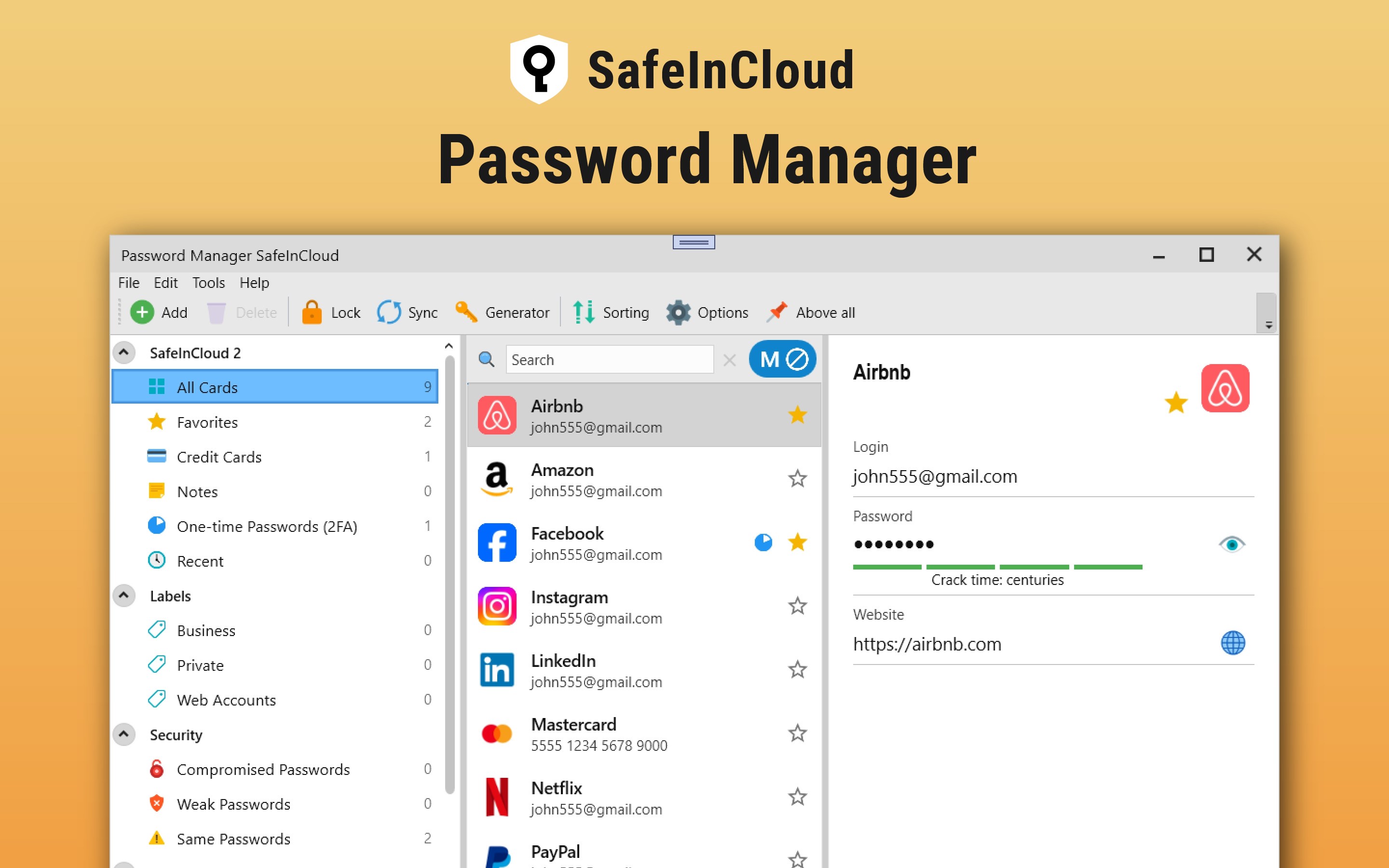
Managing our digital footprints can be overwhelming, but Passwords & Codes-Safe password manager by SAFEINCLOUD S.A.S. simplifies this challenge by combining robust credential storage with built-in two-factor authentication (2FA). Designed for the Windows platform, this security utility ensures you can organize, protect, and access your sensitive data without relying on multiple fragmented applications.
Take Control of Your Credentials
With the Passwords & Codes-Safe password manager, you can actively manage your digital security through several practical daily applications:
- Consolidate Your Security: Store logins, passwords, and private details in a highly secure, 256-bit Advanced Encryption Standard (AES) database.
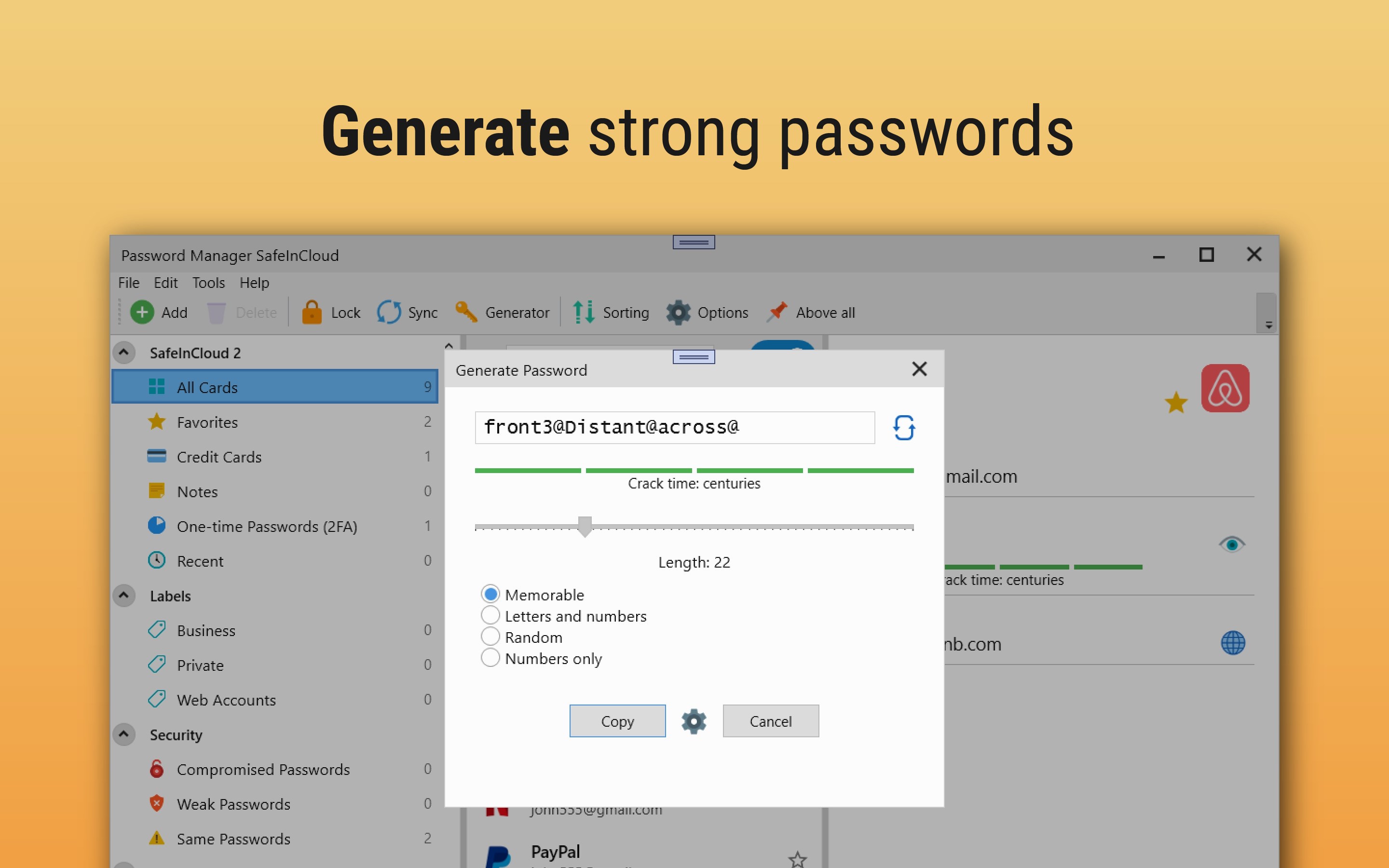
- Generate Strong Credentials: Use the integrated password generator to create complex, random passwords or secure, memorable phrases.
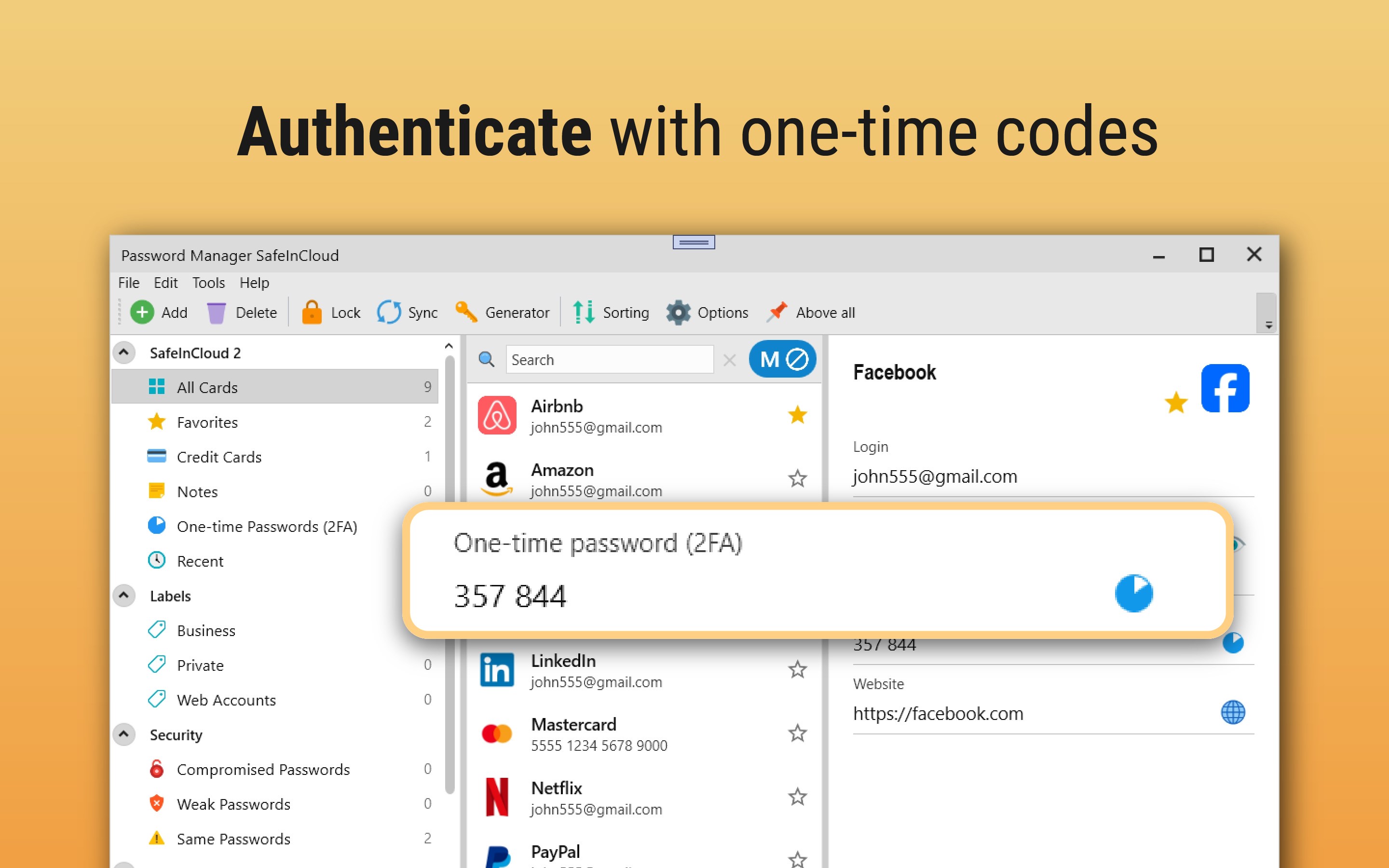
- Eliminate Extra Authenticator Apps: Generate time-based one-time passwords (TOTP/2FA) directly within the app for any supported website.
- Monitor for Breaches: Anonymously check if any of your saved credentials have been compromised in known real-world data leaks.
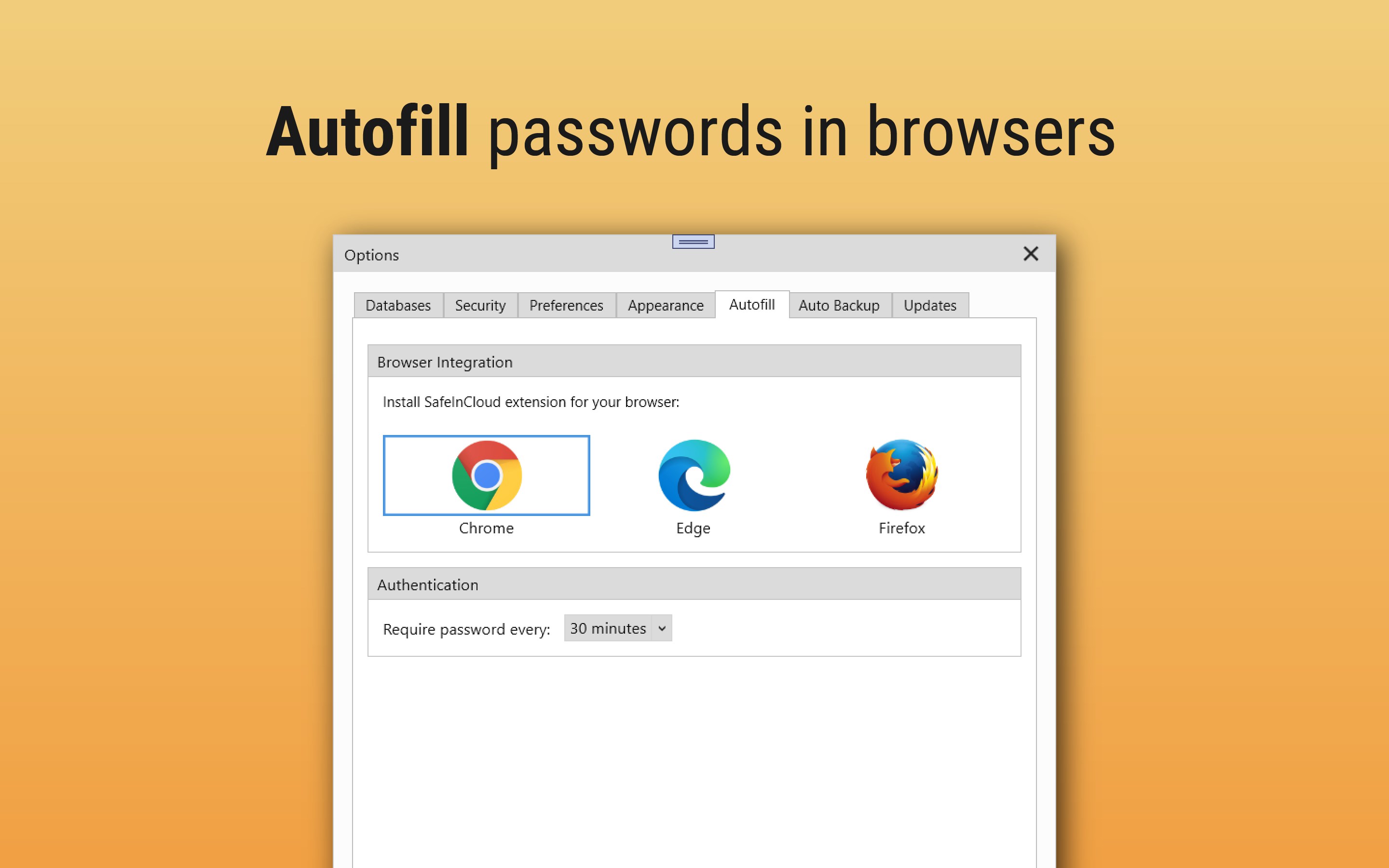
- Seamless Browser Integration: Automatically fill credentials into web pages using browser extensions for Chrome, Edge, and Firefox, eliminating manual copy-pasting.
Who Is This Security Solution For?
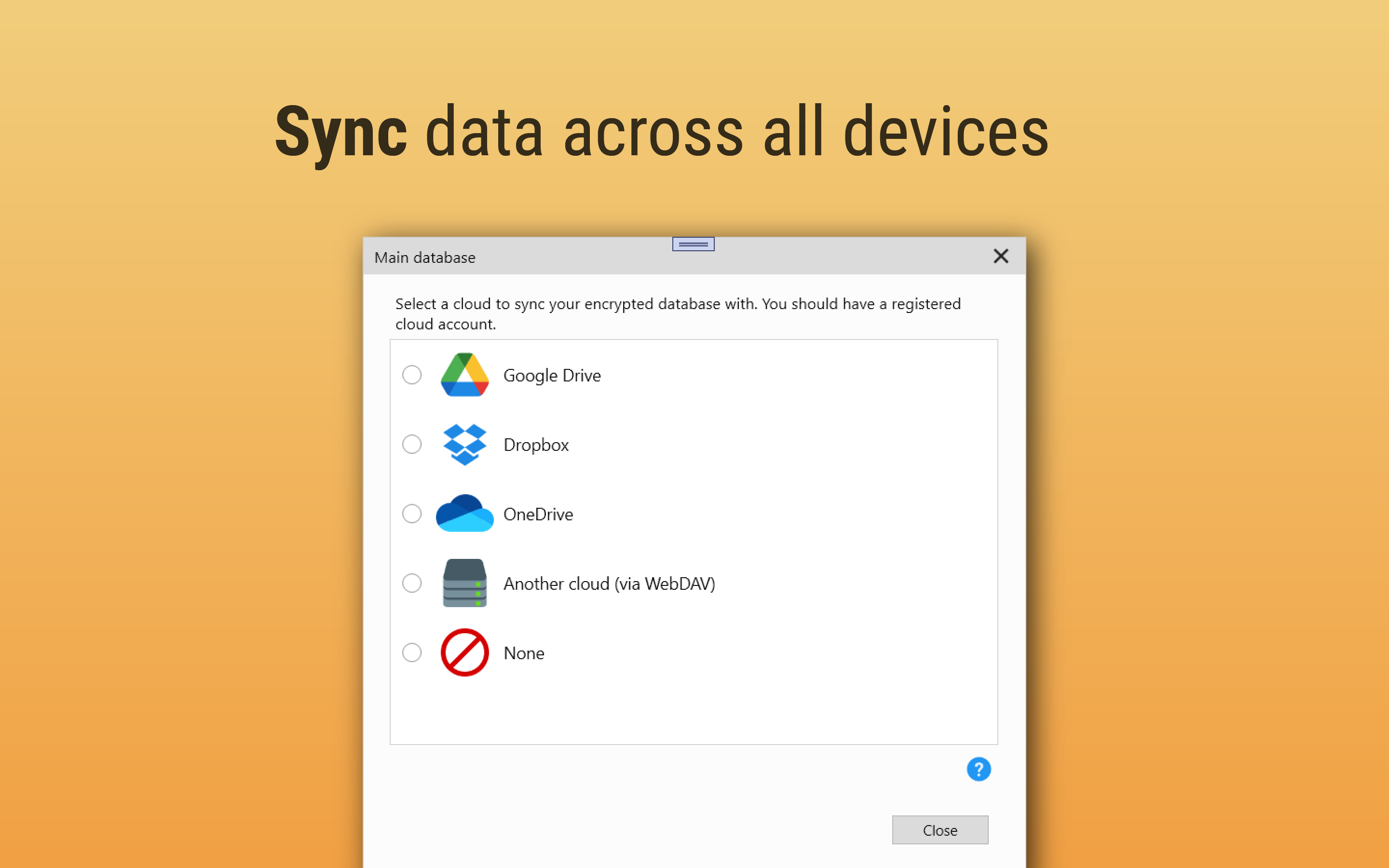
This software is ideal for professionals and everyday users seeking a self-hosted cloud approach to credential management. Because it synchronizes with your own personal cloud accounts (such as Google Drive, Dropbox, OneDrive, WebDAV, or NAS), you maintain full ownership of your encrypted database. It is also an excellent fit for Windows users who want to leverage biometric security, offering instant database unlocking via Windows Hello fingerprint sensors.
Transition and Sync with Ease
Migrating to a new security tool can feel daunting, but this application simplifies the process. The desktop version features an automatic data import tool that lets you transition your existing database from other managers like 1Password or LastPass in just a few clicks. Once set up, your encrypted data stays synchronized across your other devices, making it simple to restore your information if you upgrade or lose a device.
Discover More
If you are ready to streamline your digital security with a local-first, cloud-synced credential database, explore the official store page. You can find more details and review the app directly on the Microsoft Store.
Rate the App
User Reviews






Popular Apps










Editor's Choice