

Latest Version
Bitwarden Inc.
Security
Windows
Free
9pjsdv0vpk04
Report a Problem
More About Bitwarden
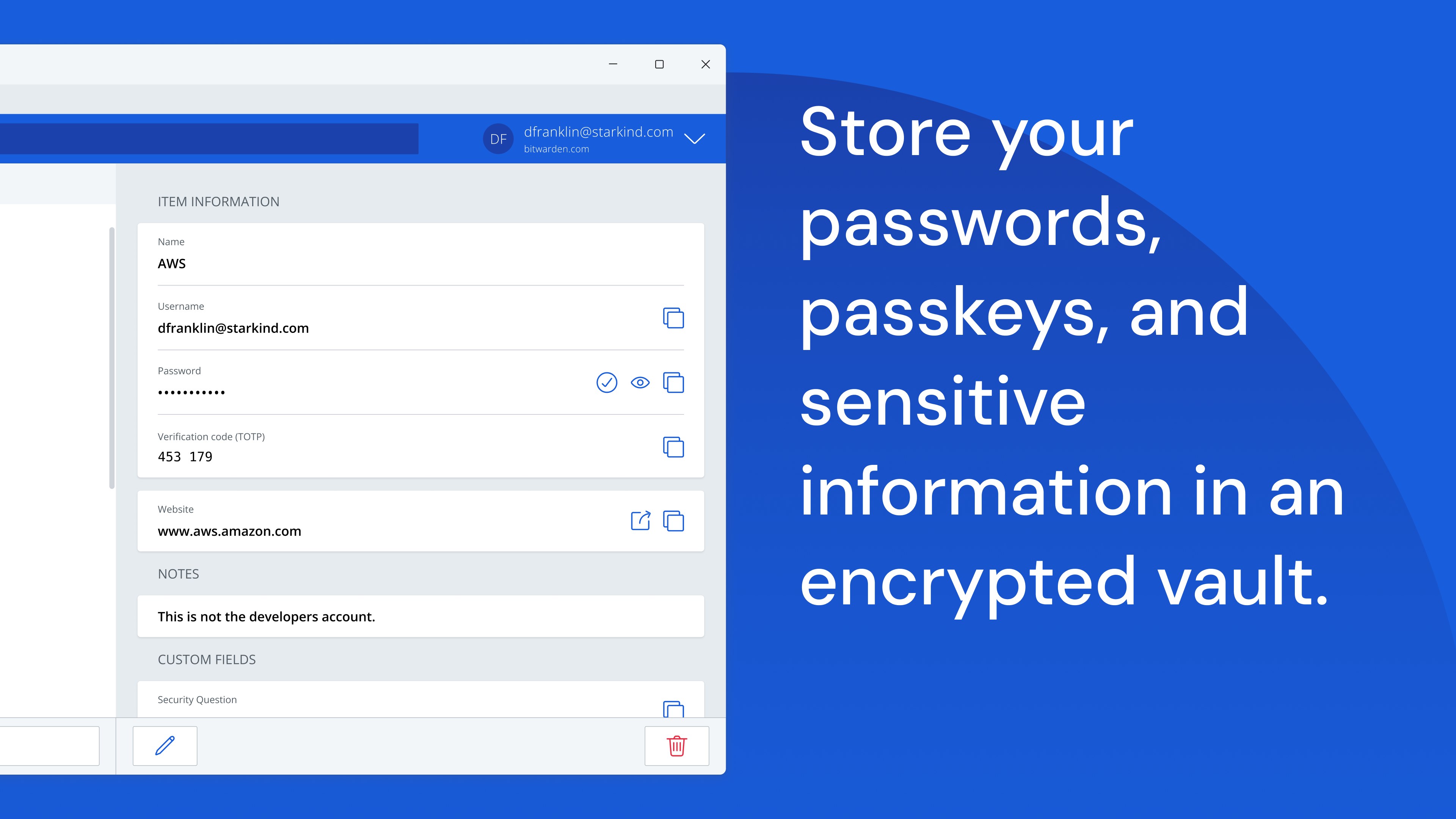
While many cybersecurity tools lock advanced security features behind expensive paywalls, the Bitwarden password manager stands out by offering a fully featured, end-to-end encrypted vault that is accessible to everyone for free. Developed by Bitwarden Inc., this open-source platform has earned critical acclaim for its transparent security practices and robust feature set across Windows and other desktop environments.
Why the Bitwarden Password Manager Leads the Industry
The core philosophy of Bitwarden is that digital safety is a fundamental right. Unlike proprietary competitors, its source code is entirely open to public inspection, ensuring there are no hidden vulnerabilities or backdoors. The platform protects your credentials using advanced, zero-knowledge encryption methods, including AES-256 bit encryption, salted hashing, and PBKDF2 SHA-256. This means your master password never leaves your device, and only you can decrypt your vault.
Comprehensive Security Audits and Compliance
Trust is paramount when selecting a credential vault. Bitwarden reinforces its reputation by undergoing annual, independent third-party audits. These assessments cover source code analysis, penetration testing across servers, and web application reviews, making it a reliable choice for both individual users and enterprise teams looking to safeguard sensitive digital assets.
Key Features of the Bitwarden Password Manager
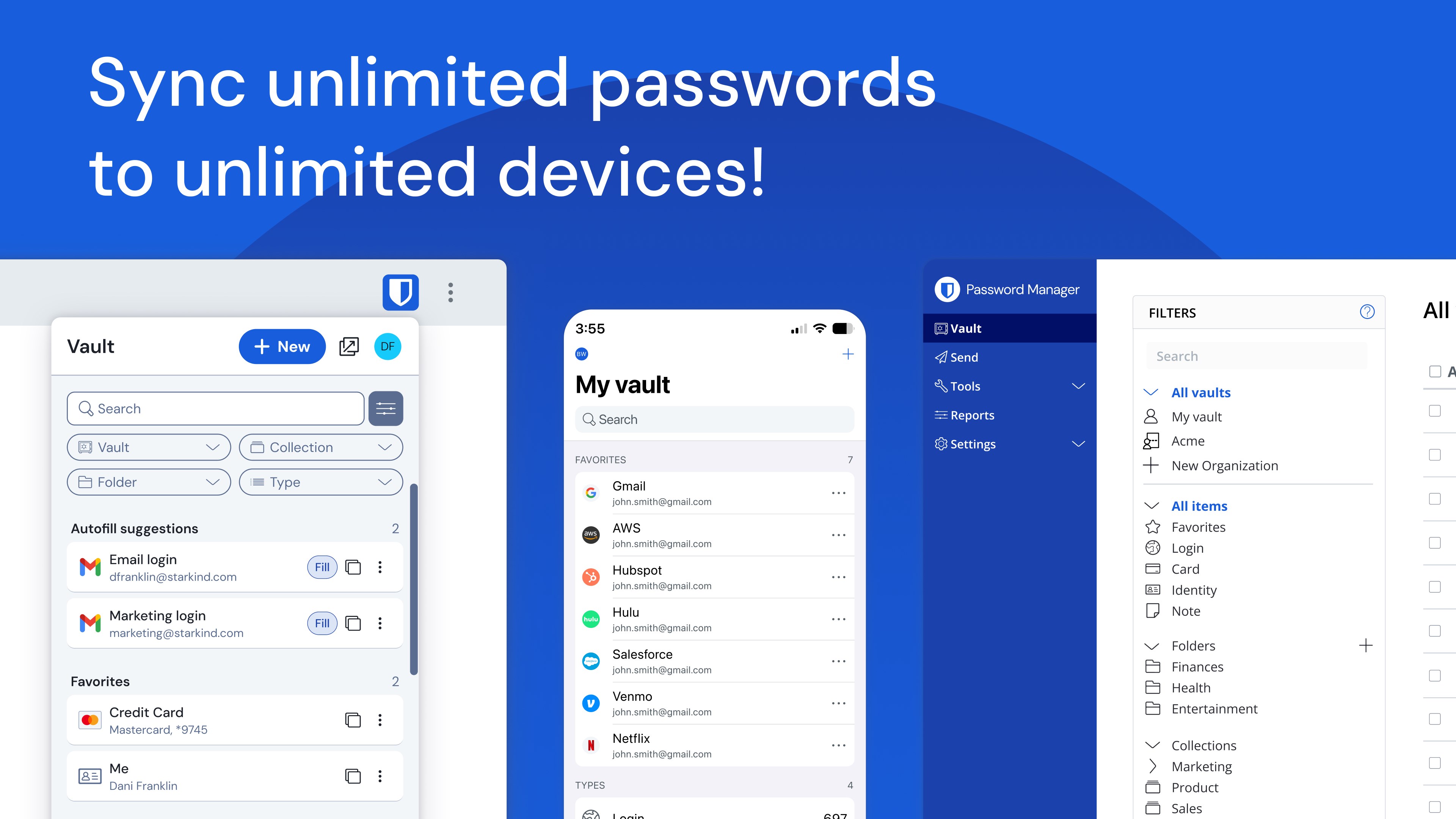
- Multi-Device Synchronization: Access and manage unlimited passwords and passkeys across all your personal devices without artificial restrictions.
- Advanced Two-Factor Authentication (2FA): Enhance your vault login security using email codes, third-party authenticator apps, or physical FIDO2 WebAuthn hardware keys.
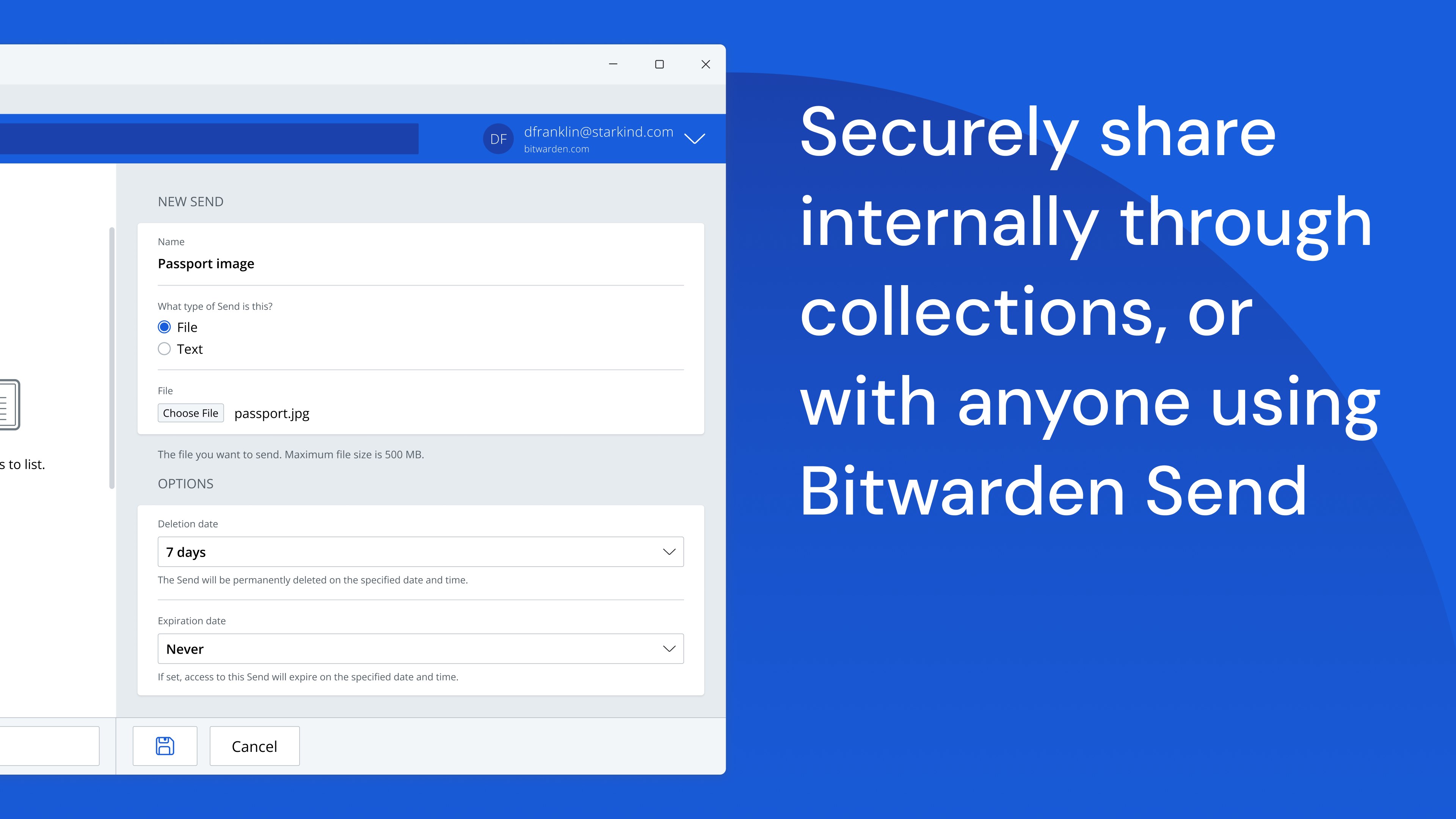
- Bitwarden Send: A secure utility that allows you to transmit encrypted text or files directly to colleagues or clients while minimizing data exposure.
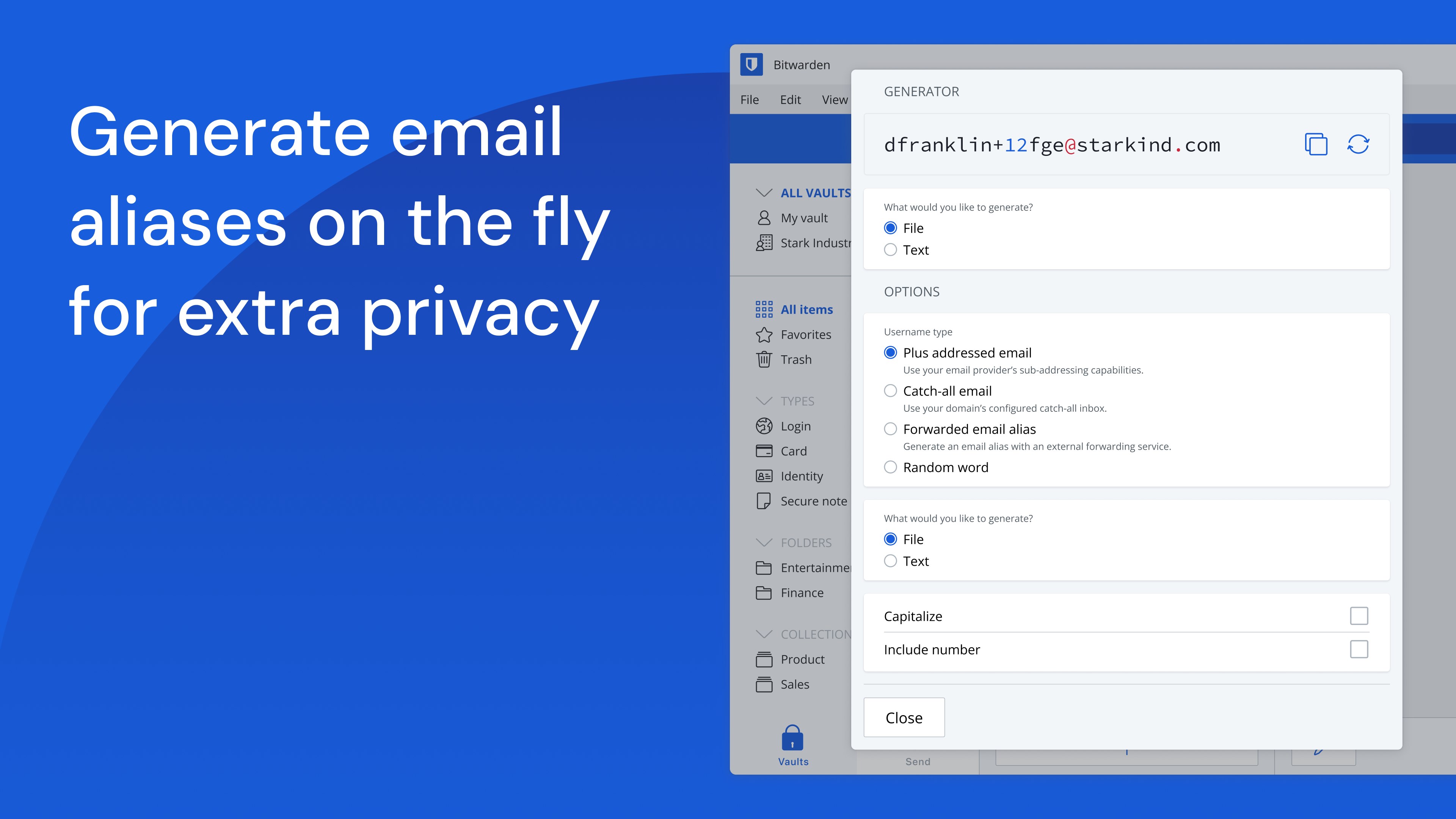
- Built-in Generator: Instantly create long, complex, and distinct passwords or unique usernames, with optional integration for email alias providers.
- Global Accessibility: The interface supports more than 60 languages, localized by a dedicated global community.
Enterprise-Grade Capabilities for Modern Teams
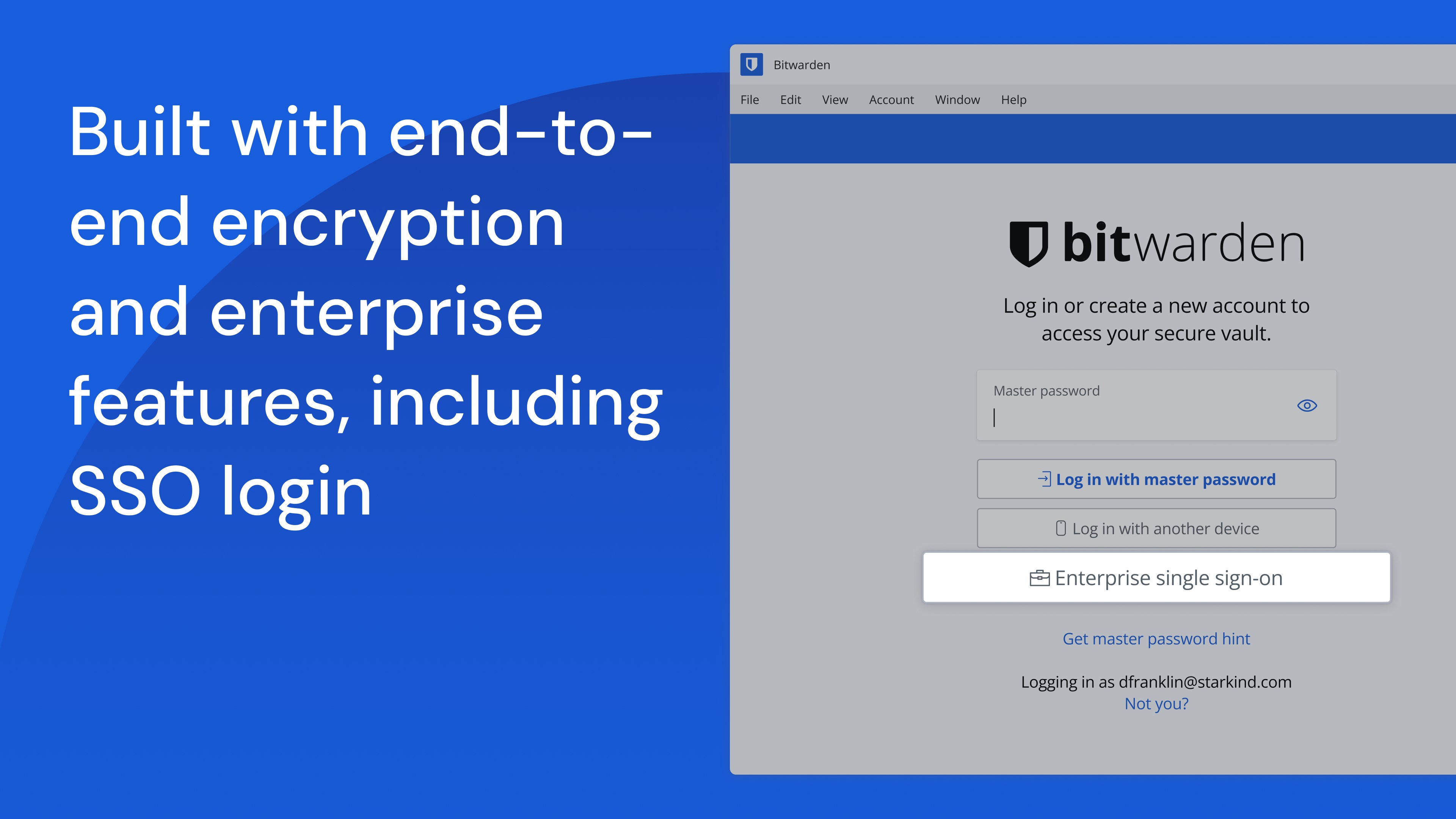
For organizations, Bitwarden scales effortlessly to secure entire workforces. Business plans introduce advanced administrative controls, including Single Sign-On (SSO) integration, directory synchronization, SCIM provisioning, global security policies, API access, and detailed event logs. It also offers flexible deployment options, including self-hosting, to satisfy strict corporate compliance requirements.
Is It the Right Security Tool for You?
Whether you are an individual looking to secure your personal accounts or an IT administrator seeking to protect corporate secrets, this platform offers an unmatched balance of transparency, usability, and defense-in-depth security. It manages more than just standard login credentials, extending its capabilities to developer secrets and passwordless passkey experiences.
To experience this industry-leading security solution firsthand, visit the official Microsoft Store page to explore the Bitwarden password manager for Windows and elevate your digital defense today.
Rate the App
User Reviews






Popular Apps










Editor's Choice